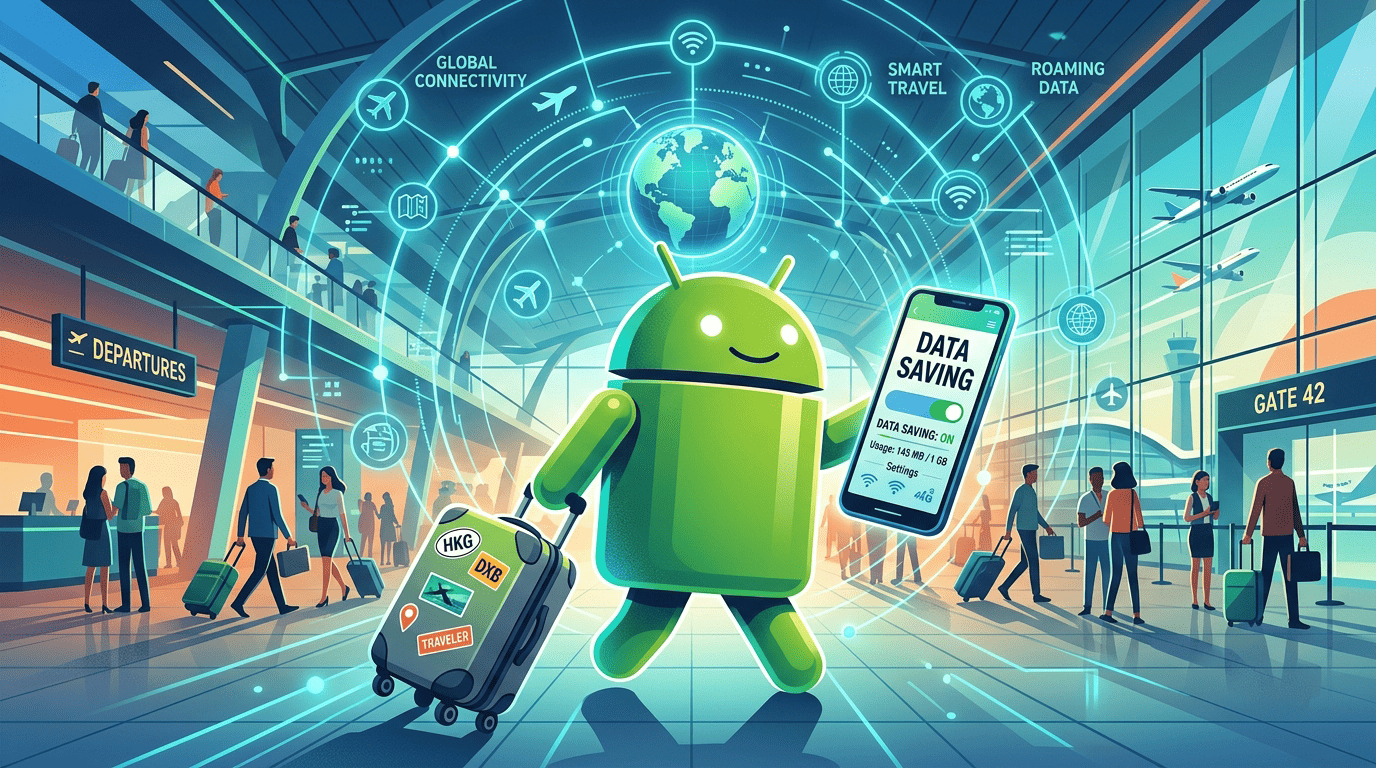
Don't Let Travel Drain Your Data: Most Important Android Settings to Turn Off Right Now
Nothing ruins a trip faster than running out of mobile data in the first few days. Most of the time, it is not your normal browsing that uses up your plan—it is Android’s hidden background tasks silently eating your data.
To keep your mobile data safe throughout your trip, turn off these settings before boarding your plane:
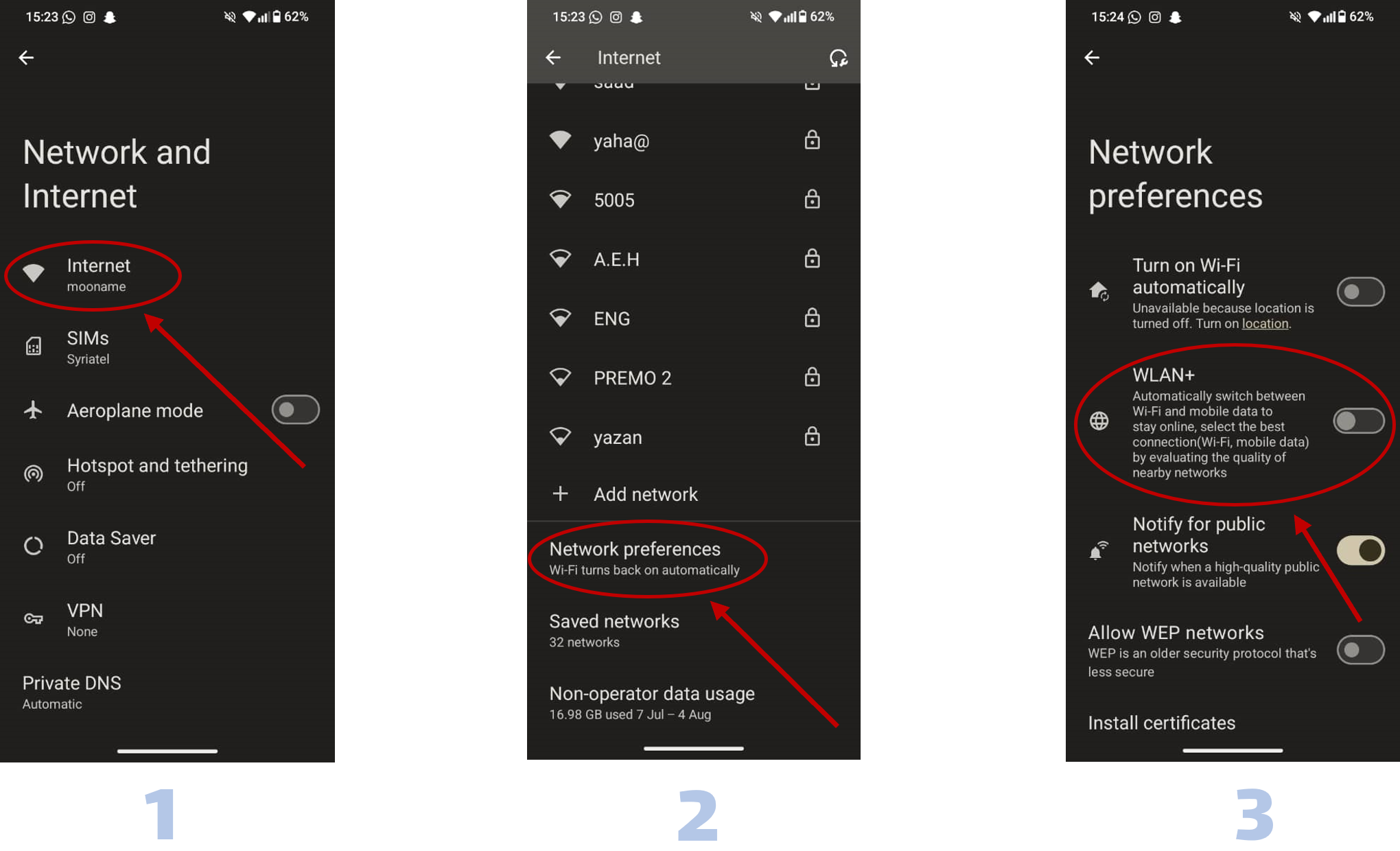
1. Turn Off Auto-Switching and Cloud Sync Android tries to keep you online at all times. If your hotel Wi-Fi is weak, your phone might automatically switch to mobile data without asking. On top of that, automatic backups for photos and files can waste a lot of data very fast.
-
How to turn off: Go to Settings > Network & internet, and disable any smart network switching options. Also, open your Google account settings and turn off automatic sync over mobile data.
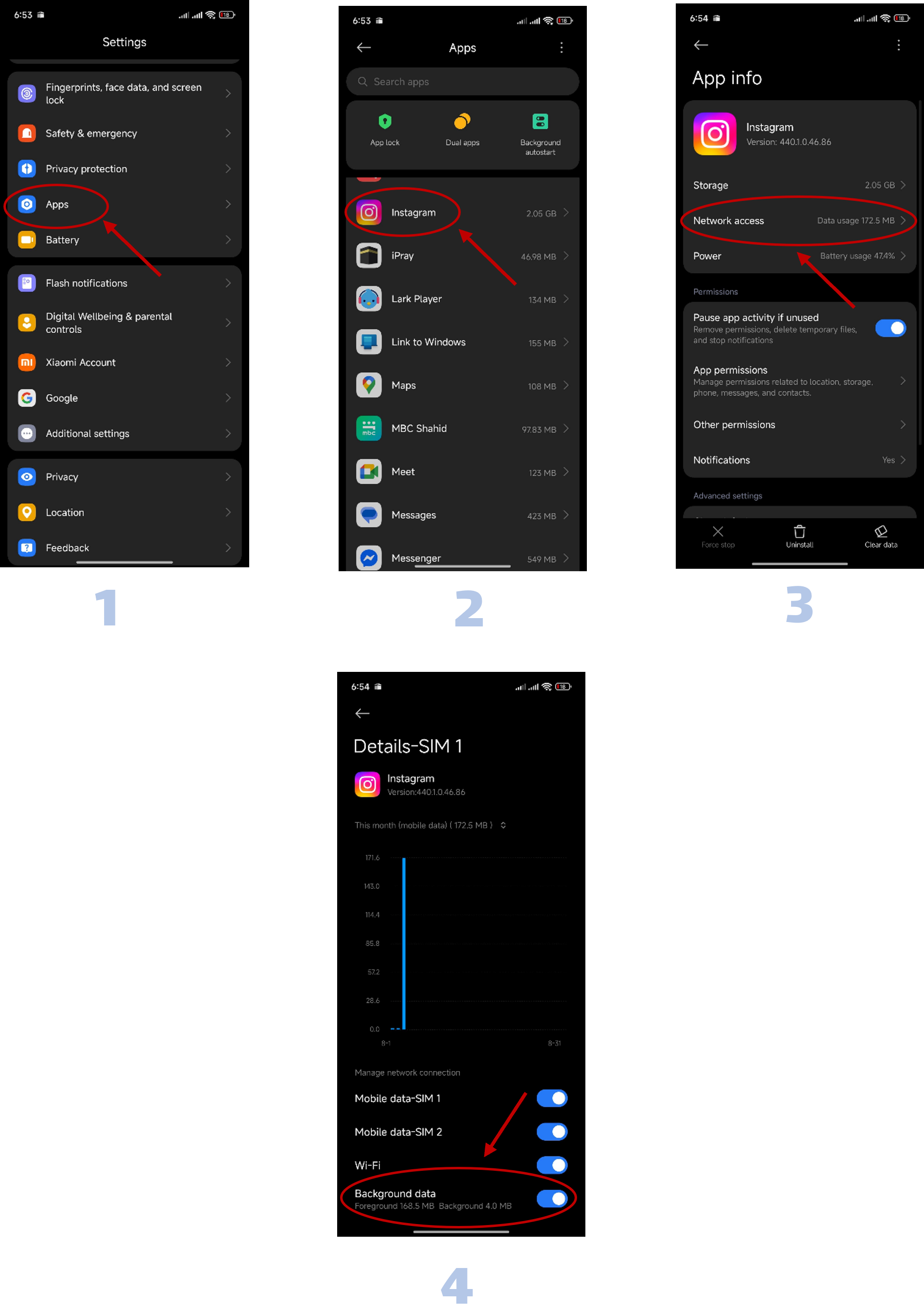
2. Control Background App Data Even when you are not using your phone, apps like social media, email, and weather keep running in the background, consuming data for notifications and updates.
-
How to turn off: Go to Settings > Apps, select your most data-heavy apps, tap Data usage, and turn off Background data. This stops apps from connecting to the internet unless you open them.
Following these steps will help your data last longer and prevent unnecessary background usage.
Travel safe with YellowSIM!